Office ergonomics
Set the workstation on purpose when someone returns to work
Published
A return-to-work day is a poor time to discover that the chair is the spare from the boardroom, the monitor is still set for the last person, and the only free desk is the one beside the printer. If someone is coming back after a period of discomfort, a surgery, or a spell of modified duties, the workstation should be set on purpose, before the first full morning.
We are not the treating clinician. We work with the guidance already in place, and we fit the station to the person and the restrictions we have been given.
Read the restrictions, then look at the job
If the note talks about limited reaching, limited lifting, or a need to change position, those have to show up in the actual tasks, not only in a file. A desk return is often straightforward: chair, screen, keyboard, and a chance to stand or walk. A plant-floor return may need a temporary change in work height, a limit on certain totes, or a different rotation. Guessing is how people get set back a week later.
Ask the person what still bothers them. They usually know which motion they are protecting, even when the paperwork is brief.
Fit the station before the inbox fills up
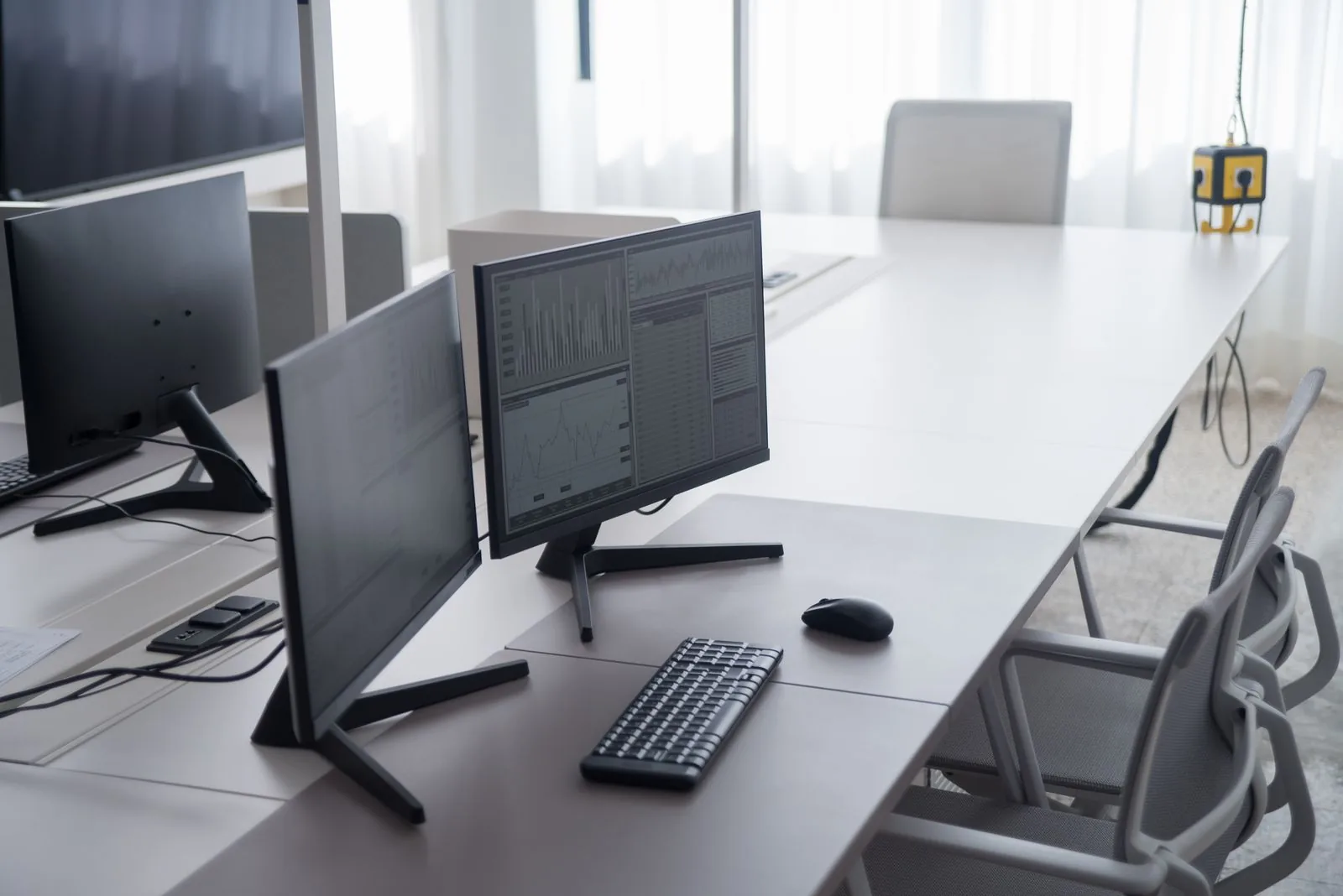
Set the chair so the feet are supported and the lower back is against the backrest. Place the monitor at about an arm's length, top at or slightly below eye level. Bring the keyboard and mouse in so the elbows can stay near the sides. If a sit-stand desk is available, set both heights and make sure the person knows how to use them. If it is not, build in a simple reason to get up: a printer a short walk away, a scheduled stand-up call, a genuine break.
Do not leave a laptop as the only screen and keyboard on a return week unless there is no other option. That setup loads the neck and the wrists, which is often exactly what you are trying to avoid.
Home-office returns need the same attention. If the first two weeks are remote, a kitchen table and a dining chair are a poor place to test whether the person is ready for a full day of work. Raise the screen, add a separate keyboard, and make sure there is a chair they can sit back in. If you can lend an adjustable chair for a few weeks, that is often more useful than a rushed office desk that is not ready yet.
Colleagues mean well and sometimes over-help, moving screens or stacking boxes "to make it easier" in ways that create a new reach. Agree what can be moved, and what should stay where you set it. A small note on the desk is enough, if the culture allows it. The goal is a stable setup, not a daily redesign.
Check it again after a few days
A setup that felt fine on Monday can creep by Thursday. A short check-in, even fifteen minutes, will catch the monitor that drifted, the cushion that slid, or the new task that was not in the original plan. Supervisors should know the limits so they do not fill a quiet afternoon with "just this one" awkward job.
If you would like a hand with this, we can include it in a workstation setup visit or as part of a wider ergonomic assessment. For a single person, a focused visit is often enough. For a team with several people on modified duties, it is worth looking at the common furniture as well. Get in touch and send us the work context and the guidance you already have. We will not invent a medical plan. We will help the workplace match the one you have been given.