Office ergonomics
Eye strain at the screen is often lighting, distance and breaks
Published
Tired eyes at the end of a workday are common in offices, and they are easy to blame on the screen alone. Sometimes the screen is part of it. Sometimes the person has been leaning in because the text is small, or squinting because a window is washing out the monitor, or blinking less because they have been in the same document since 9:30.
We are not optometrists, and this is not an eye exam. If your vision has changed, you are getting headaches you did not used to get, or one eye is clearly doing something the other is not, see a professional. What we can sort out at the desk is the setup that makes the work harder than it needs to be.
Distance and height first
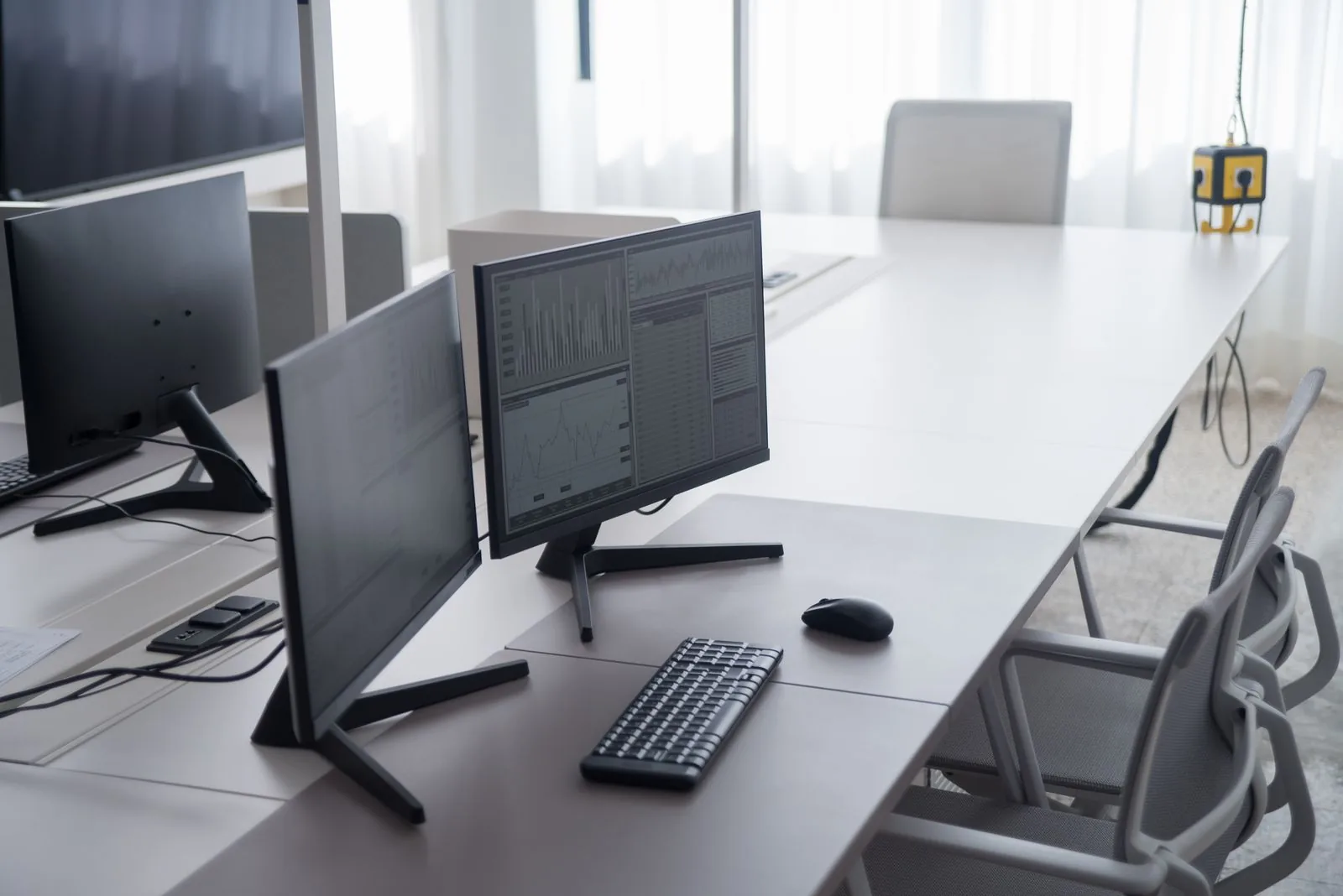
Place the monitor about an arm's length away, with the top of the screen at or slightly below eye level. If you are consistently leaning in, try enlarging the text before you pull the monitor closer. A close screen makes the eyes converge more, and it also pulls the neck forward. If you are leaning back and peering, the screen may be too far, or the contrast may be poor.
People with progressive lenses often drop the chin to find a clear band in the lens. The result looks like a monitor that is "too high." We lower the screen to meet the lens, rather than telling someone to hold their head still.
Glare is a posture problem as well as an eye problem
A bright window behind the monitor, or a light that reflects in the glass, will make you tilt, lean, or raise contrast until the text blooms. Turn the screen, drop a blind, or move a lamp. A shiny screen in a bright Toronto office on a winter afternoon, when the sun comes in low, is a seasonal issue we see every year. The fix is usually the blinds, not a new monitor.
Dark rooms with one bright screen are tiring in a different way. You do not need a showroom. You need enough ambient light that the screen is not a lantern in a cave.
Dual monitors can add to the problem if one screen is far brighter than the other, or if a calendar is parked on a vertical screen at the edge of your vision all day. Match the brightness as best you can, and put the work you actually read on the screen in front of you. A third device, usually a phone, propped against the keyboard is another close focal point you did not plan for. Put it to the side, or down, when you are trying to give the eyes a rest.
The 20-20-20 habit
Every 20 minutes or so, look at something about 20 feet away for about 20 seconds. It is a modest habit, and it works because it lets the focusing system change, and because it reminds you to blink. Pair it with a change of position if you can. Standing up to look out a window is doing two useful things at once.
A lot of "eye strain" conversations in a workstation setup workshop end up being about the same handful of changes: distance, height, glare, text size, and a break. If those are already right and the discomfort is still there, that is a signal to get the eyes checked rather than to keep rearranging the desk.
If a whole team is leaning in or complaining of the same tight feeling around the eyes, it may be a lighting layout, a standard laptop-as-monitor habit, or a software default that makes the text tiny. That is worth including in a workplace ergonomic assessment, and it is a fair question to raise in employee training. You can also ask us to look at a typical desk and tell you whether the issue looks like setup, lighting, or something that needs a clinician.