Office ergonomics
Keyboard and mouse position: closer than you think, lower than you think
Published
When we stand beside a desk in a Toronto office, we look at the screen first because people expect us to, and then we look at the keyboard. Quite often the screen is not the main problem. The keyboard is halfway across the desk, the mouse is out beyond a number pad, and the person is following both with their shoulders.
The better position is closer and, usually, a little lower than where the equipment landed when someone unpacked it.
The keyboard belongs near the body
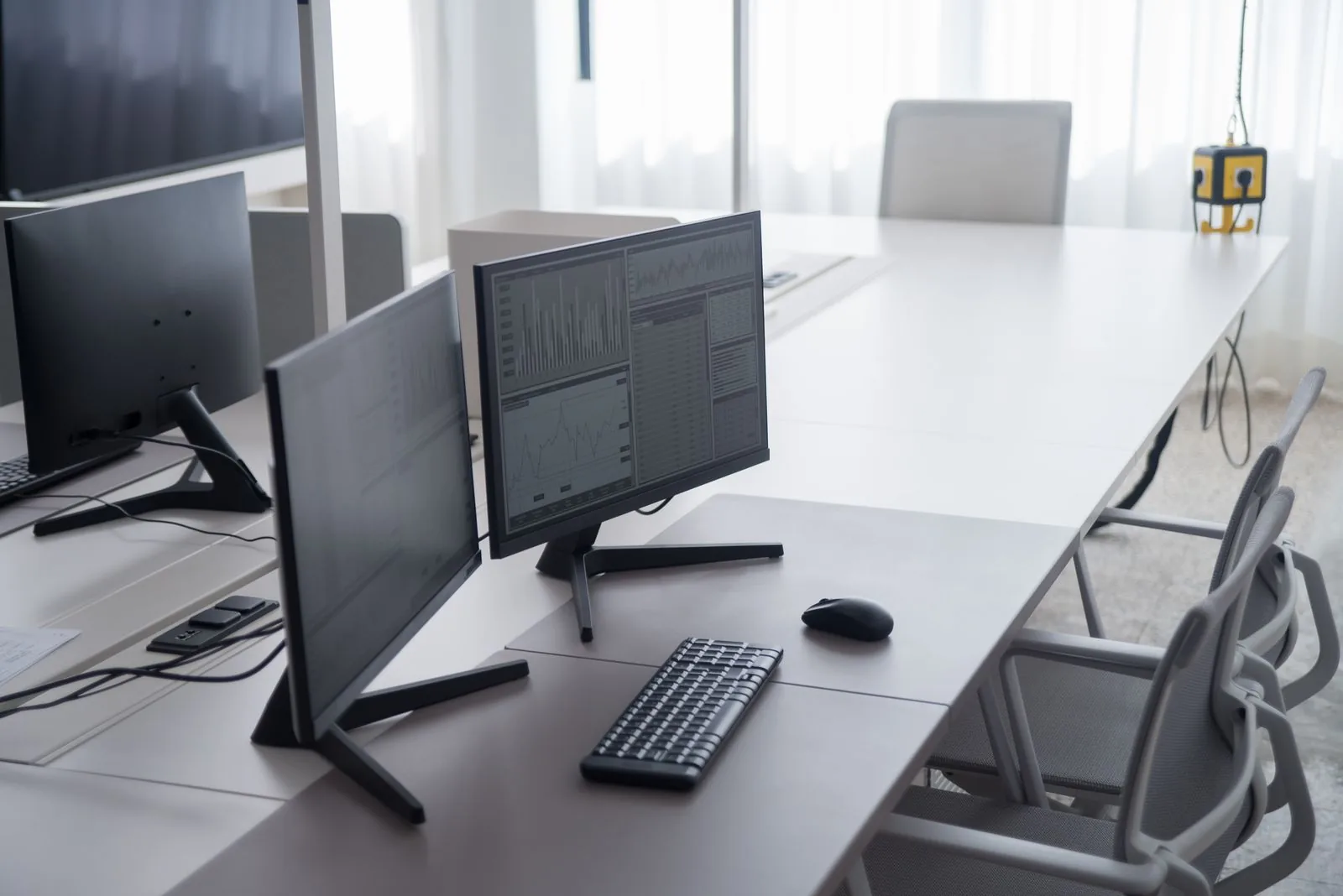
Sit back in the chair. Let the elbows hang near your sides. The keys should meet the hands there, not a reach away. If you have to unfold the elbows to type, the shoulders will creep forward by mid-morning. Pull the keyboard in. If that leaves no room for a notepad, the notepad can sit to the side, or on a slight incline, rather than claiming the prime space in front of you.
A thick keyboard, or one with the little legs flipped down at the back, tilts the wrists up. Flatten those legs. If the desk itself is high, raise the chair and support the feet, or look at a tray. Wrists should stay closer to straight than bent. That is a dull sentence, and it is still the one we repeat most often.
Put the mouse beside the keys, not beyond them
A full-size keyboard with a number pad pushes the mouse out, especially for a smaller person or anyone who likes to sit centred to the screen. The shoulder rounds to reach it, and the wrist sits at a slight angle for the rest of the afternoon. If you barely use the number pad, a slimmer keyboard is an easy change. If you need the pad, you can at least park the mouse immediately beside it, not a hand's width farther because that is where the mat happened to sit.
Hold the mouse lightly. A death grip is common in people who already have a sore forearm. You do not need to press the desk. A brief pause, and a slightly closer position, usually does more than a new gel pad on the same long reach.
Laptops and compact desks
A laptop used as both screen and keyboard will almost always put one of those two things in a poor place. Add a separate keyboard and mouse, and raise the laptop or use a monitor. On a small home desk, this still works. The external keyboard can sit on a pull-out board or even on the lap for short stretches, though a stable desk surface is better for the day.
Two people sharing a desk should each reset the keyboard position, not split the difference. A compromise height is a height that fits neither of you.
When the desk will not allow a good position
Some desks have a thick slab, a drawer in the wrong place, or a frame that stops the chair from coming in. Those are furniture limits. We note them in a workstation setup workshop and, when they show up across a floor, in a workplace ergonomic assessment. A different type of keyboard or a tray can help. So can clearing the under-desk clutter that stops you from sitting close.
If your wrists or shoulders are the first thing you notice after lunch, start tomorrow by pulling the keyboard in and parking the mouse beside it. Give it a day before you buy anything. If a team is having the same issue, get in touch and we can look at the shared setup rather than leaving each person to invent a fix.