Office ergonomics
Neck pain from the phone, the monitor, and the angle between them
Published
A sore neck at the end of a workday is often more than one thing. The monitor is a little low. The second screen is off to the left. The phone spends part of the morning tucked against the shoulder so both hands can keep typing. Each of those is a small twist or a small drop of the head. Together, they are a long morning for the muscles that hold the head over the spine.
We look at all of them, because fixing only the monitor and leaving the phone habit in place is how people end up disappointed in a new screen.
The screen, again, but specifically the angle
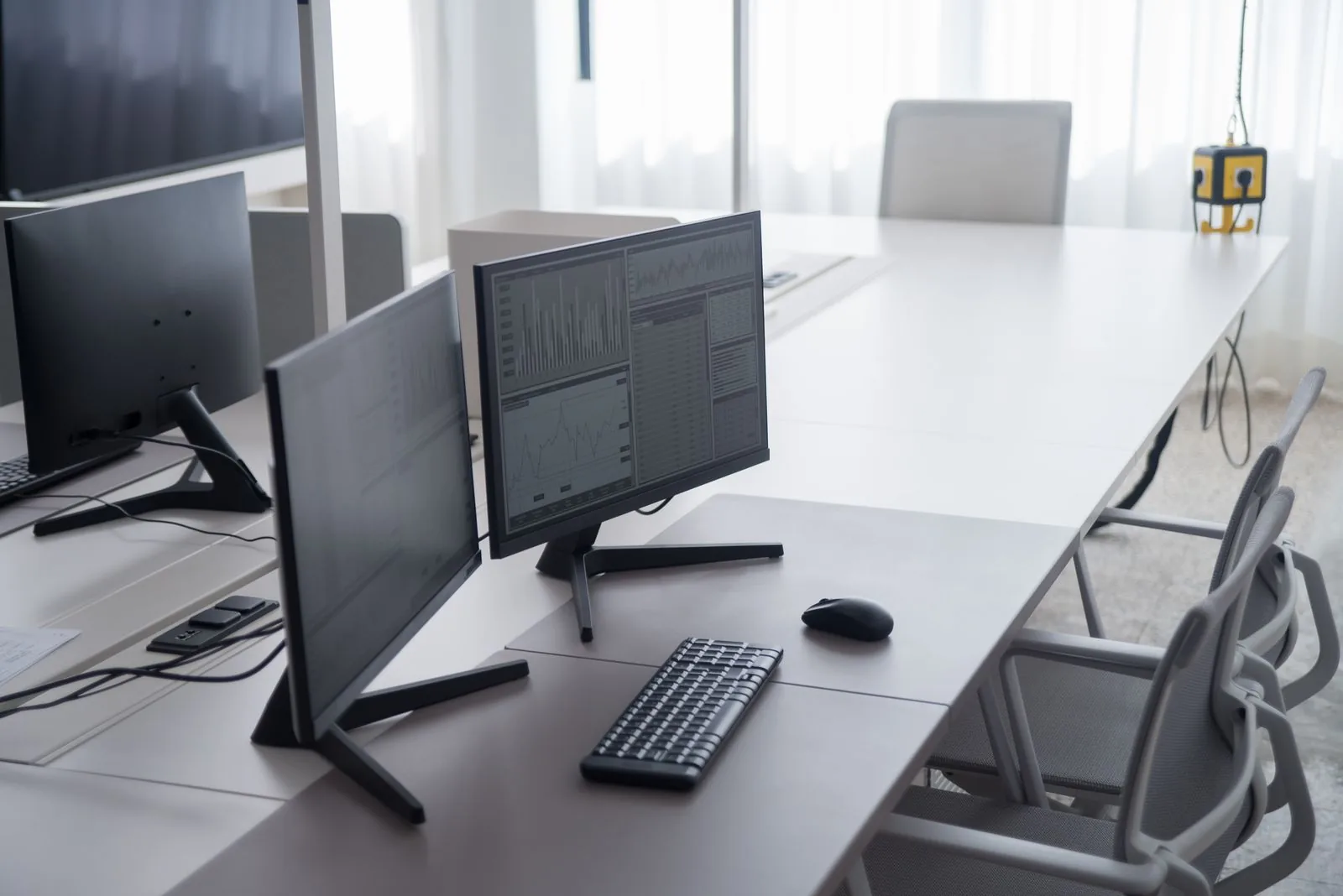
Top of the monitor at or slightly below eye level, about an arm's length away, centred to your body. If you use two screens equally, put the split in front of you. If you have a main screen, centre that one and keep the second close and at the same height. A laptop open beside a monitor, lower and off to the side, will keep pulling the chin down and around. Close the laptop once the main screen is on, or raise it if you truly need both.
People with progressive lenses may need the screen lower than a textbook diagram suggests. That is a fit issue, not a failure to "sit up straight."
Documents and tablets create the same downward gaze if they sit flat on the desk between you and the keyboard. A simple document holder, or a spot for paper beside the screen rather than under your nose, keeps the head from bobbing between two very different heights. It is a small item, and it is one we still recommend because the alternative is a day of looking into your lap.
Driving to and from work can add to the same neck, especially if the headrest is unused and the chin is poking forward at the windshield. Sit back in the seat, and give yourself a minute after you park before you pick up the phone to "just check" messages with the same bent neck. The workday starts earlier than the first email if the commute is long.
The phone
Cradling a handset between the shoulder and the ear is still amazingly common, even in offices that have headsets in a drawer. If you are on calls every day, use a headset, or use speakerphone when the room allows it. A few long calls with a hiked shoulder will undo a carefully set monitor. Mobile phones are their own problem: holding one in your lap and looking down at it between messages is a flexed neck you did not count as work. Put it up, or put it down, and do not type on it for half an hour at the desk if you already have a keyboard.
The rest of the upper body
A keyboard that sits too far away pulls the shoulders forward, and the neck follows. Sit back, bring the keys in, and let the elbows hang nearer the sides. If you hold tension in the shoulders as a habit, notice it when you stand up. A shrug and a drop is fine. A stretching program will not replace a screen that is still too low.
If this is a single desk, start with the obvious changes and give them a few days. If necks are sore across a team in a Toronto or GTA office, it is worth a workstation setup workshop or a broader ergonomic assessment. We will look at the screens, the phones, and the furniture, and we will say when a headset or a monitor arm would actually help. Contact us if you want that done in the room rather than by another reminder email.