Office ergonomics
Laptops, hunched shoulders, and the lunchtime ache
Published
Laptops are built for travel, not for six hours at a desk. When we walk into a GTA office and see a row of closed docking stations and open laptops used as the only keyboard and screen, we can usually predict the complaints: tight upper backs, a neck that feels worse after lunch, and shoulders that have crept forward toward the keys.
The hinge is the problem. If the screen is at a decent height, the keys are too high. If the keys are at a decent height, the screen is too low. People split the difference and end up a bit bad at both, leaning in, rounding the shoulders, and poking the head forward to read.
The first change is a separate keyboard and mouse
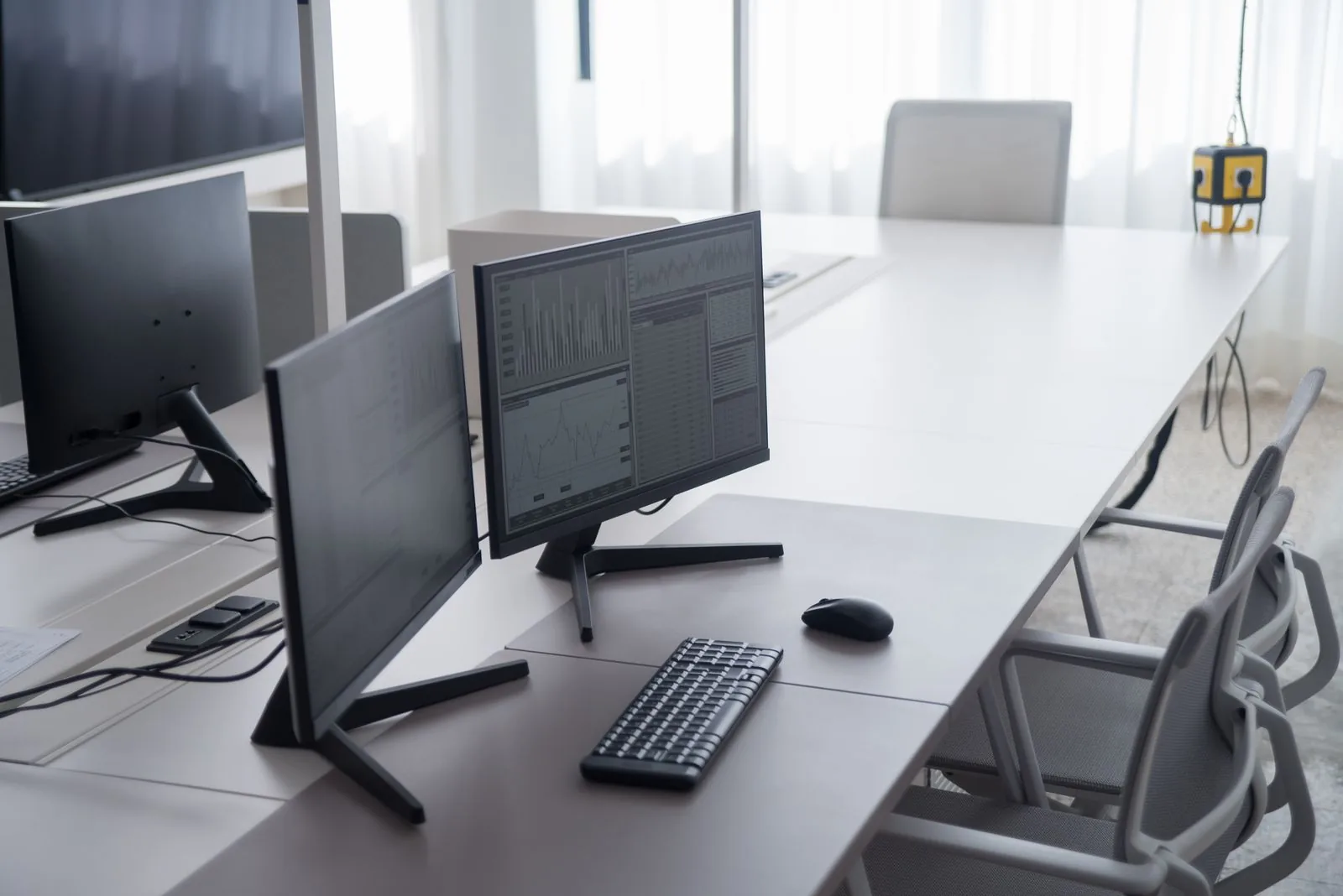
Raise the laptop, or plug in a monitor, and type on a keyboard that can sit lower and closer. The mouse should sit immediately beside it, not a reach away. This is the same advice we give for a home office, and it is just as useful in a downtown Toronto open office where the docking station never got connected.
Books under a laptop will do for an afternoon. If this is your everyday setup, use a stable stand so the machine does not teeter when you hit the keys. Then set the screen: about an arm’s length away, top at or slightly below eye level, centred to you.
Watch the shoulders
Hunched shoulders are often a reach. The laptop is too far, the chair is too low, or the person is perched on the front of the seat and following the work with the whole upper body. Sit back. Bring the keyboard in. Let the elbows hang nearer the sides. If the desk is high, raise the chair and support the feet rather than shrugging up to the keys.
A second habit we see: the person holds a tense shrug even after the keyboard is closer, because that is how they have typed for years. It takes a few days of noticing to let it go. A quick shoulder roll every so often is fine. It is not a substitute for changing the height.
Dual screens make the problem more obvious. If the laptop is open beside a monitor, and you keep glancing at the lower screen, the neck never settles. Close the laptop once the external monitor is on, or raise it to the same height if you truly need both. Uneven heights are a quiet source of end-of-day tightness along the top of the shoulder.
Meetings and sofas
The laptop-on-the-lap posture shows up in meeting rooms and at home. For a short call it is normal. For a morning of typing it is a bent neck and a rounded upper back. If you can, put the machine on a table, even an imperfect one, and keep the separate keyboard in the bag you already carry.
Travel days are a reasonable exception. You will not always have a dock. You can still raise the screen on a bag, rest the machine on a table rather than your lap, and take short breaks from typing when the only option is the built-in keyboard. That will not match a proper workstation. It will be better than two hours folded over a tray table.
If a team is laptop-heavy and the discomfort is showing up in more than one or two people, it is worth a workstation setup workshop or a wider ergonomic assessment in the GTA. The equipment is often already in the room: docks, monitors, keyboards. It just is not in use. It is sitting in a drawer, or still in the box from the last equipment order. We can help you get it used, or tell you when a monitor arm or a different input device would actually help. Contact us if you want that looked at properly.