Office ergonomics
Monitor height and the neck pain that shows up mid-afternoon
Published
Neck and shoulder discomfort that arrives after lunch is often a monitor problem, even when people are sure they have “good posture.” The head is a heavy thing to hold off-centre for a few hours. If the screen is too low, you tuck the chin. If it is too high, you tip the head back. If it sits to the left of the keyboard, you spend the day slightly twisted.
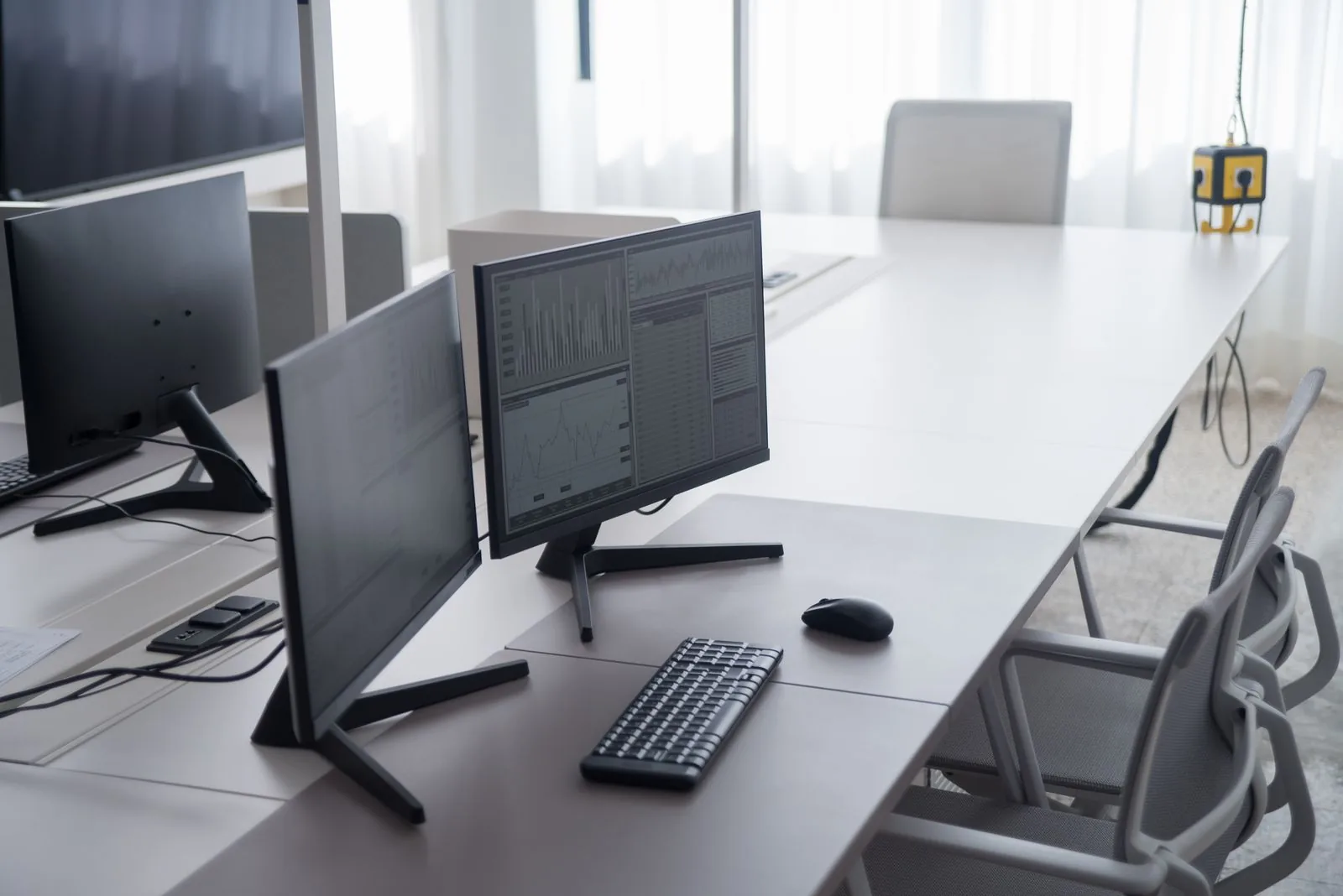
The rule we use is simple, and it is the same one on our workshop page: place the monitor about an arm’s length away, with the top of the screen at or slightly below eye level. Then centre it to your body, not to the desk.
Arm’s length is a starting point
Sit back in the chair, not perched, and reach toward the screen. You should not be leaning in to read, and you should not feel as if you are peering across a gap. If you are consistently pulling the chair in or craning forward, the text may be too small, the screen may be too far, or there may be glare you are trying to duck. Those are different problems, and stacking the monitor on a box will not fix glare.
Height, especially with a laptop
A laptop on a desk is almost always too low if you are using the built-in keyboard at the same time. You cannot have a decent neck angle and a decent wrist angle on the same hinge. The usual fix is a separate keyboard and mouse, and the laptop raised so the screen comes up, or a separate monitor. Books under a laptop are common in GTA offices we visit. They work in a pinch. They slide, and they rarely get the height quite right. A stable stand or a monitor arm is cleaner if this is how you work every day.
With a full-size monitor, the top of the screen at or slightly below eye level means your eyelids sit a little lower when you look at the middle of the document, which is where most of us actually look. The old habit of putting the screen on a high riser “to sit up straight” often just makes people tilt the head back.
Two screens
If you use two monitors equally, put the split in front of you, not one screen dead centre and the other off in the shoulder. If you have a main screen and a reference screen, the main one should be centred to your body and the second one close beside it, at the same height. A second screen down on the desk, or far off to the side, is a reliable way to stir up a neck by Thursday.
What we change first
In a workstation setup workshop, this is often a five-minute job once the chair is set. We also look at whether the person wears progressives or bifocals, because a “correct” height can be wrong if they are looking through the lower part of the lens. We do not pretend to be optometrists. We just notice when someone is tipping their head to find a clear spot, and we adjust the screen to meet them.
If the monitor cannot come down, or the arm is already at the end of its travel, that is a furniture limit, not a willpower problem. It may be time for a monitor arm or a different screen arrangement. If necks are sore across a whole team, it is worth a proper ergonomic evaluation in Toronto rather than another reminder to “sit up.”
One more thing we see often: the monitor is fine, and the person is holding a phone between the shoulder and the ear. Fixing the screen will not fix that. A headset will. If necks are sore across a team, contact us and we can look at the screens together.