Home office ergonomics
Hybrid work in Ontario: two desks, and the neck that commutes between them
Published
Hybrid work is now ordinary in a lot of Ontario offices. Two days in, three days at home, or the reverse, with a laptop in a bag between them. The pattern we see is not mysterious. The office desk, when it is set well, feels fine. The kitchen table does not. By the time the person is back on site, the neck and shoulders have already had a couple of hard days, and the office gets the blame because that is where the discomfort is noticed.
You do not need two perfect workstations. You need two setups that are close enough that one does not undo the other.
Make the office desk a known quantity
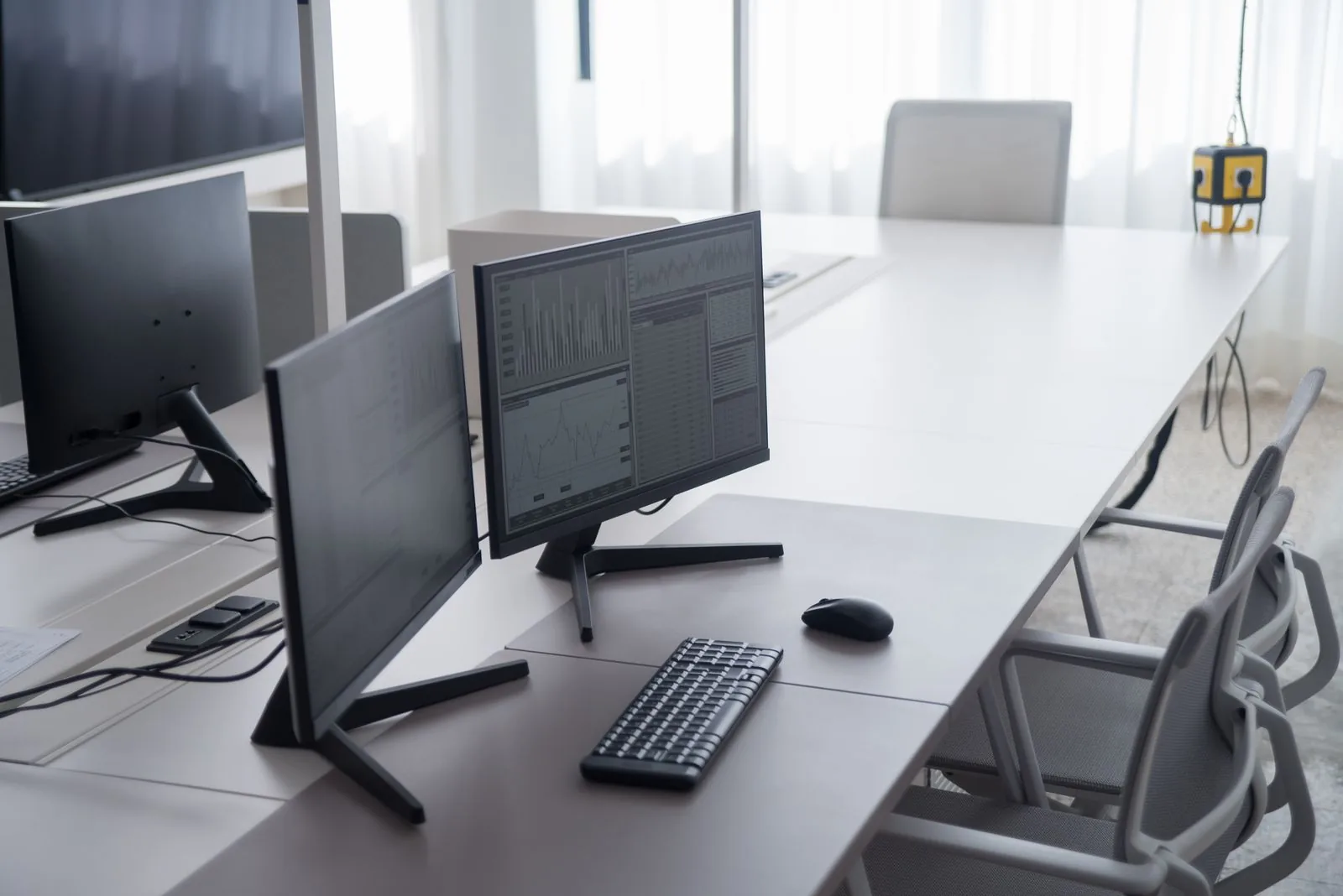
If people still "hot desk," a good chair and a good monitor are not enough. They also need a couple of minutes, and maybe a short card or a prompt, to set seat height, screen height, and keyboard position when they sit down. A workstation setup workshop helps the first time. After that, the habit has to travel with the person, because the next desk may be slightly different.
Assigned desks are easier, and they still drift. Someone borrows a chair. A cleaner bumps a screen. A two-minute reset on Monday morning is not wasted time.
Bags and docks cause their own small mess. A laptop that never quite sits on the dock, or a dongle that only works on the left side of the machine, leads to a twisted setup that lasts all day because nobody wants to start again after the first meeting. If the dock is unreliable, fix the dock. People should not have to invent a posture around a loose cable.
Give the home day a few non-negotiables
A separate keyboard and mouse, a raised screen, and a chair you can sit back in will do more than a decorative "office corner" that still uses the laptop as a single unit. A kitchen table can work for a workday if those pieces are in place and the feet are supported. A sofa will not, not for typing, not for hours.
Lighting at home is often worse than people realize, especially in November and December when the daylight goes early. A lamp, and a screen that does not face a bare window, will save you some of the leaning-in that feels like tiredness and is actually glare.
The commute is part of the week
A long drive with a wallet in the back pocket, or a train commute folded over a phone, is another dose of flexed posture before the desk even starts. We have written about driving posture before, and the same ideas still hold: sit back, support the lower back, and do not treat the car as a place to "catch up" on email at a red light. Once you are at the desk, change position about every 20 minutes so the day is not one long sit.
Employers in the GTA sometimes ask whether a home office ergonomic assessment is worth doing when only part of the week is remote. In our experience, yes, if the home day is a full workday and the complaints are already showing up. It can be a formal look at a few representative setups, or practical guidance that people can apply in their own kitchens. A workstation setup workshop on the office days still helps, because that half of the week should not be improvised either.
If you want help setting a standard that works in both places, get in touch. Tell us how the week is split and what furniture people already have. We will start there, not with a list of things to buy.