Home office
Home office ergonomic assessments in Ontario, kitchen tables included
Published
A lot of Ontario employees still do part of the week from home. Some have a spare room and a proper desk. Many are still at the kitchen table, or at a dining chair that looked fine for Sunday supper and feels less fine by Thursday afternoon. Employers sometimes assume the home setup is a private matter. The discomfort still shows up in the work, and often in the office days that follow.
A home office ergonomic assessment in Ontario is the same method we use on site. We look at the work, the postures, and whether the furniture fits the person. The limits are just tighter. You usually cannot lower a kitchen table. You can still improve a surprising amount of it.
The laptop is the usual problem
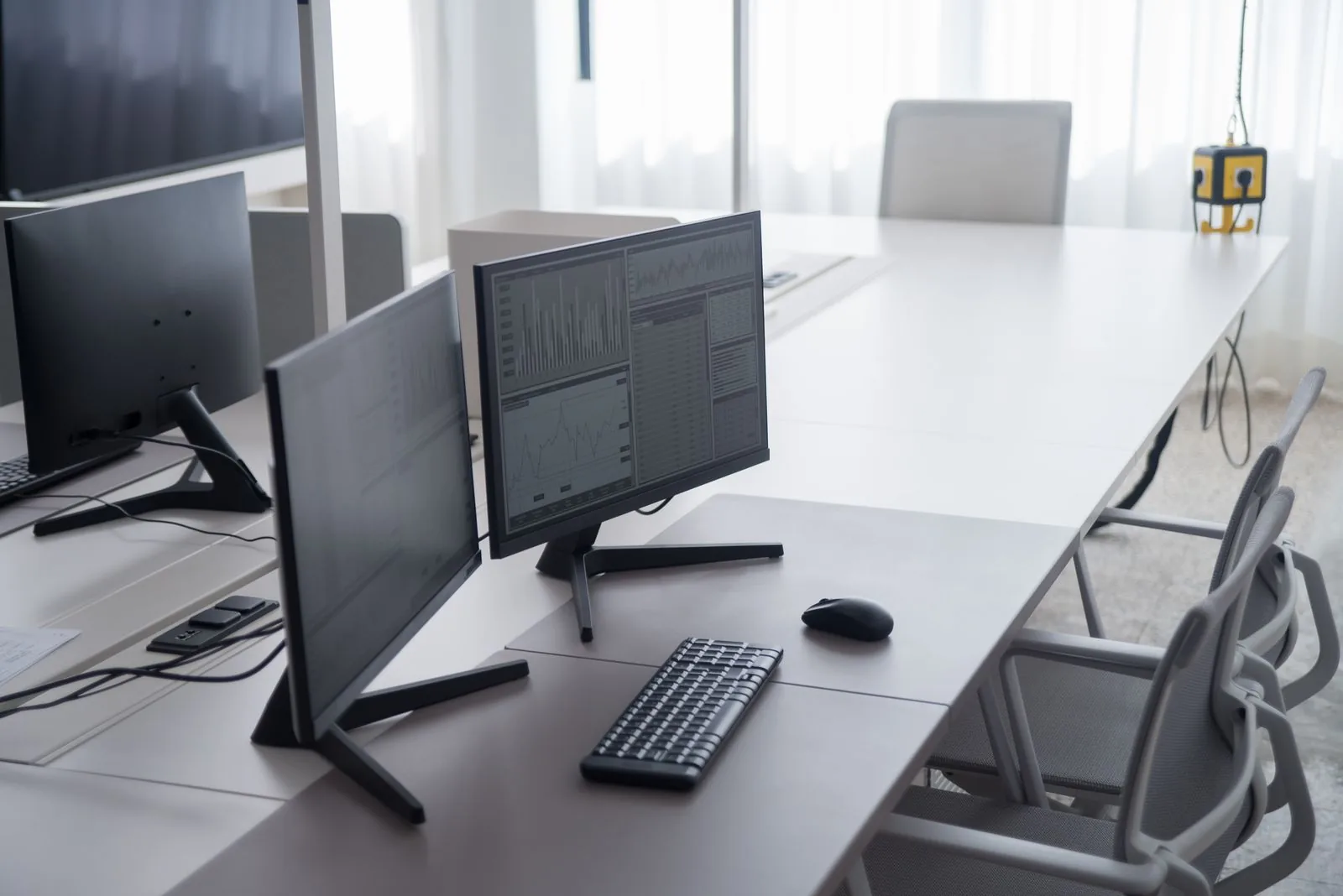
If the laptop is on the table and you are typing on it, the screen is too low and the wrists are often too high, or the other way around. You cannot win both on the same hinge. A separate keyboard and mouse, and the laptop raised on a stable stand, is the single change that helps the most. A separate monitor is better still if you have the space and the budget, but it is not the only path.
The chair you already have
Dining chairs rarely have lumbar support or a height lever. If that is the chair, sit back, put a small cushion or a folded towel in the lower back, and check whether your feet reach the floor. A footrest, even a sturdy box, can help when the table is high. If the employer is willing to supply a decent adjustable chair, that is often worth more than a new desk, especially in a small room.
Sofas and beds come up more than people admit. They are a poor all-day setup. A short call is one thing. A full afternoon of typing with the laptop in your lap is a reliable way to load the neck and the wrists. We say that plainly.
Lighting, glare, and the rest of the room
Home offices often sit in front of a window or under a single overhead light. Glare makes people lean in or tilt the screen, and then the neck follows. Move the screen, close a blind, or add a lamp so you are not working in a cave with one bright window. Keep the things you reach for often close. A printer in the basement is not an ergonomic issue until it is, twenty times a day.
Hybrid weeks have a particular pattern. Someone spends Monday at a well-set office desk, then Tuesday and Wednesday at the table, and Thursday they are surprised that the neck has tightened. The office day does not cancel the home day. If you can, keep one or two of the same habits in both places: an external keyboard, a raised screen, a chair you can sit back in. Perfection is not the test. Consistency is more useful.
How employers usually use this
Some organizations ask us to include home offices in a wider workplace ergonomic assessment. Some want a practical session so people can sort their own setups, closer to a workshop than a full report on every kitchen. Either can work. The point is to apply the same standard off site as in the office, within the limits of the space.
If you are the person at the table, you do not have to wait for a formal visit to raise the laptop and bring the mouse in. If several people on the team are improvising, and the complaints travel back into the office on Tuesdays, it is worth getting in touch and talking through what a home-office review would look like for your group.